For most local businesses, the Google Business Profile is the first thing a new customer sees: before your website, before your social pages, sometimes before they even know your name. It is free, and most profiles are only half filled in. This checklist covers everything worth setting up, in order of importance. Grab a coffee and work through it in one afternoon.
Free tool: tick this checklist off online and get a score; it remembers your progress.
The basics (do these first)
- Claim and verify your profile. Search your business on Google Maps. If you see "Own this business?", claim it. Verification can be a phone call, text, email, video or postcard, depending on what Google offers you.
- Use your real business name, exactly as customers see it. Don't add keywords or cities ("Sunny Cafe Best Coffee NYC"). Google's guidelines don't allow it, and profiles can be suspended for it.
- Pick the most accurate primary category. This is one of the strongest signals for which searches you show up in. Be specific: "Emergency locksmith service" rather than just "Locksmith" if that is your main work.
- Add a few secondary categories for other things you genuinely do. Don't add categories for services you don't offer.
- Set your address or service area. Shops and offices show the address. If you visit customers (plumbers, cleaners), set a service area and hide the address if customers don't come to you.
- Phone number and website. Use a number that is answered. Link to the most relevant page of your site.
- Regular hours, and special hours for holidays. Wrong hours are one of the most common reasons for angry reviews.
Tell Google, and customers, what you actually do
- Services or products, with short descriptions. Use the words customers search for ("boiler repair", not "thermal solutions").
- Business description. You have up to 750 characters. Say what you do, for whom, where, and what makes you different. Write it for people, not for search engines.
- Attributes. Wheelchair access, Wi-Fi, outdoor seating, women-owned, online appointments: tick everything that is true. These match specific searches.
- Booking or appointment link, if you take bookings.
- Opening date. Small detail, but it adds trust.
Photos that make people choose you
- Logo and cover photo. Clear and recognisable.
- Outside photos, so people recognise the front when they arrive.
- Inside photos and your work: the dining room, the finished kitchen, the haircut, the team. Real photos beat stock images every time.
- Add new photos regularly. A profile with photos from this month looks open and active.
Keep it active
- Publish posts: news, offers and events. A few a month is enough to show you are active.
- Ask every customer for a review. Review count and rating are part of how Google ranks local businesses. See how to get more Google reviews.
- Reply to every review, good and bad. See 15 review reply templates.
- Check your profile once a month. Anyone can suggest edits to a profile, and Google sometimes applies them. Make sure your hours, phone and categories are still right.
How to know it is working
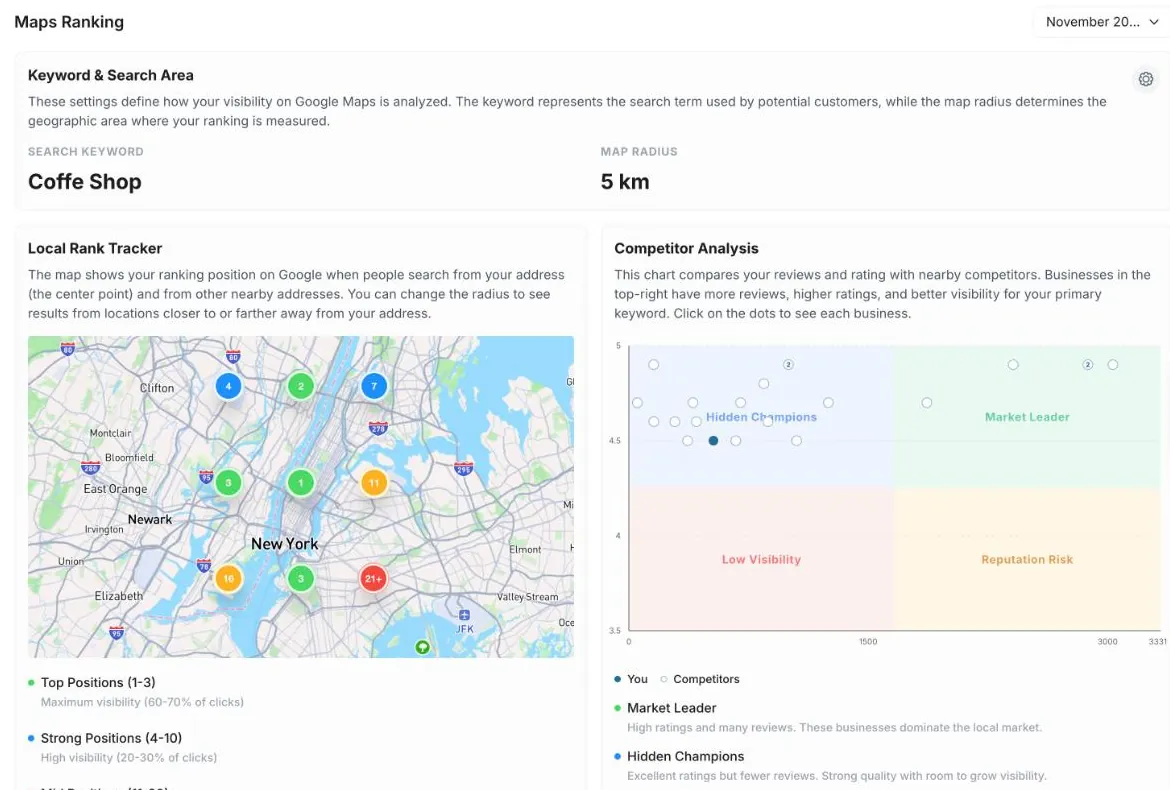
Google shows basic profile performance (views, calls, direction requests) in your profile dashboard. To see where you actually rank for a search across your area, you need a rank grid, which checks the same search from many points around you. That is what Localena's Maps ranking screen does, along with tracking your reviews and rating month by month. Read how Google Maps ranking works for the full picture.
Want it done for you?
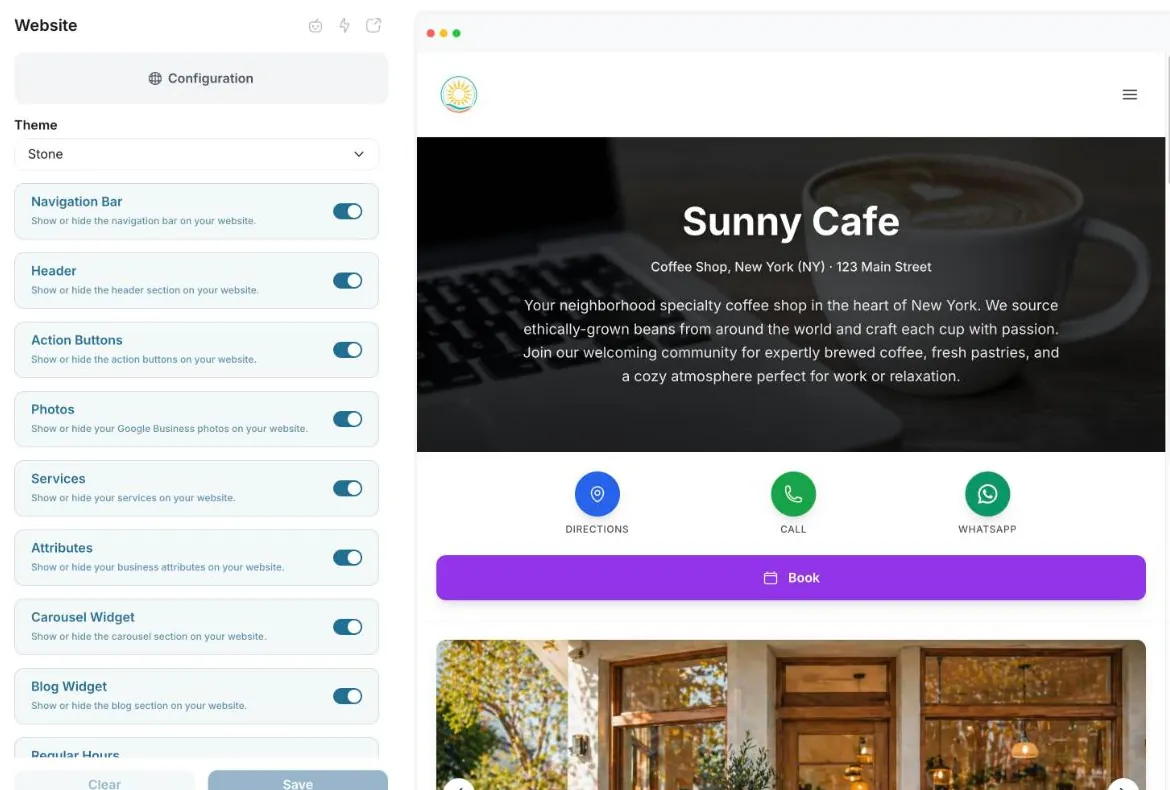
Localena keeps your profile active with scheduled posts, replies to every review, and asks every customer for one. On the Pro plan it also builds a simple website straight from your Google profile.