Unhappy customers usually find the review button on their own. Happy ones rarely do. That is why so many good businesses sit on a handful of reviews and a rating that does not match the work they do. The fix is not a trick. It is simply asking every customer, at the right moment, in a way that takes them 30 seconds.
Free tool: see how many 5-star reviews you need to reach your target rating.
Why the number of reviews matters
Google says review count and rating are part of how it decides which local businesses to show, as part of what it calls prominence. People also trust a 4.7 from 300 reviews more than a 5.0 from 6. Fresh reviews matter too: a profile whose newest review is from last year looks quiet.
Ask at the right moment
- Right after the good part: when the job is finished, the appointment is over or the order is delivered. Not a week later.
- On the channel they already use: WhatsApp or SMS for most local customers, email for bookings and B2B.
- In person, with a QR code: on the counter, the receipt, the table or the invoice.
Make it effortless
- One tap to the review box. Send a direct link, not "search for us on Google".
- Short and personal message. "Hi Sam, thanks for choosing us today! Could you share how it went? It takes 30 seconds."
- One gentle reminder. If the first message is not opened, a single follow-up two days later is fine. More than that feels pushy.
The rules (please read this part)
Google's review policies are strict, and in the US the FTC's rule on consumer reviews bans fake and paid reviews. Breaking the rules can get reviews removed or your profile restricted.
- Ask everyone, not only happy customers. Filtering out unhappy customers before they can review is called review gating, and Google does not allow it.
- No rewards for reviews. No discounts, gifts or prize draws in exchange for a review.
- No fake or staff reviews, and no buying reviews.
- Don't write the review for them. Wording ideas are fine; the words must be the customer's own.
This is also why we wrote our honest reviews promise.
How Localena does it
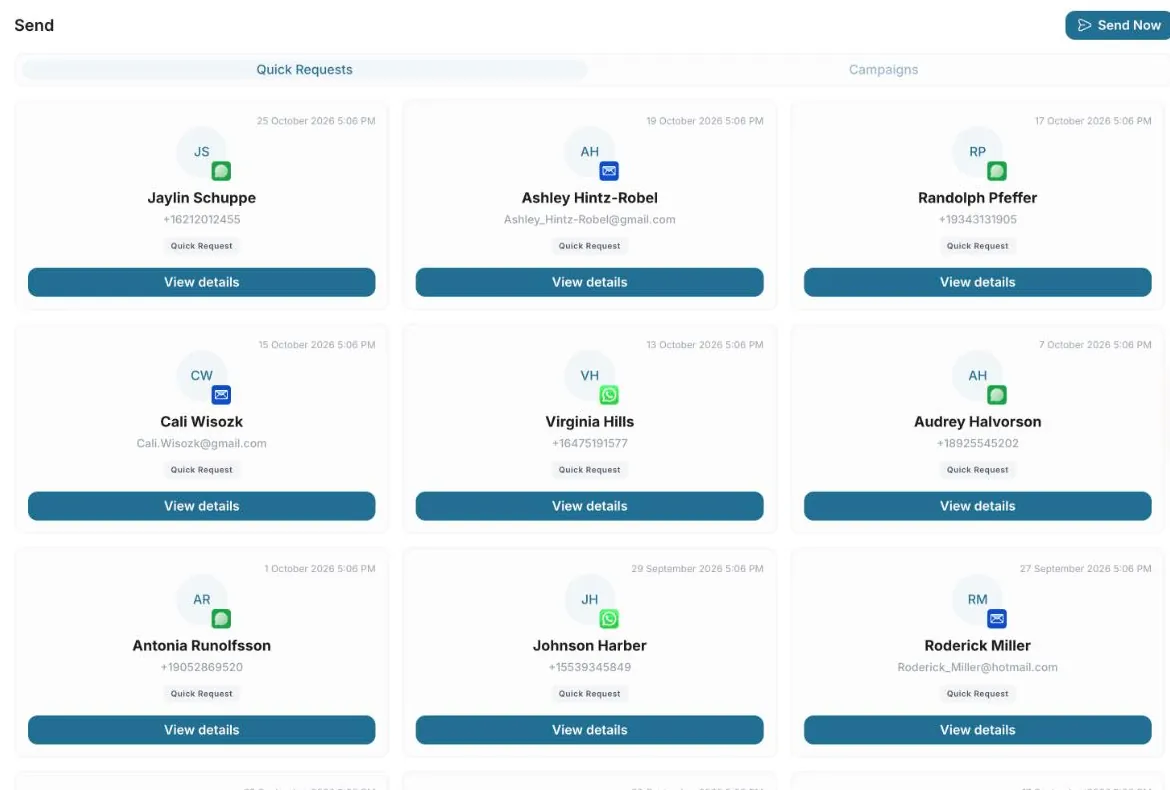
From the Send screen you can request a review from one customer in seconds, or run a campaign to a list. A reminder follows automatically if the first message is not opened.
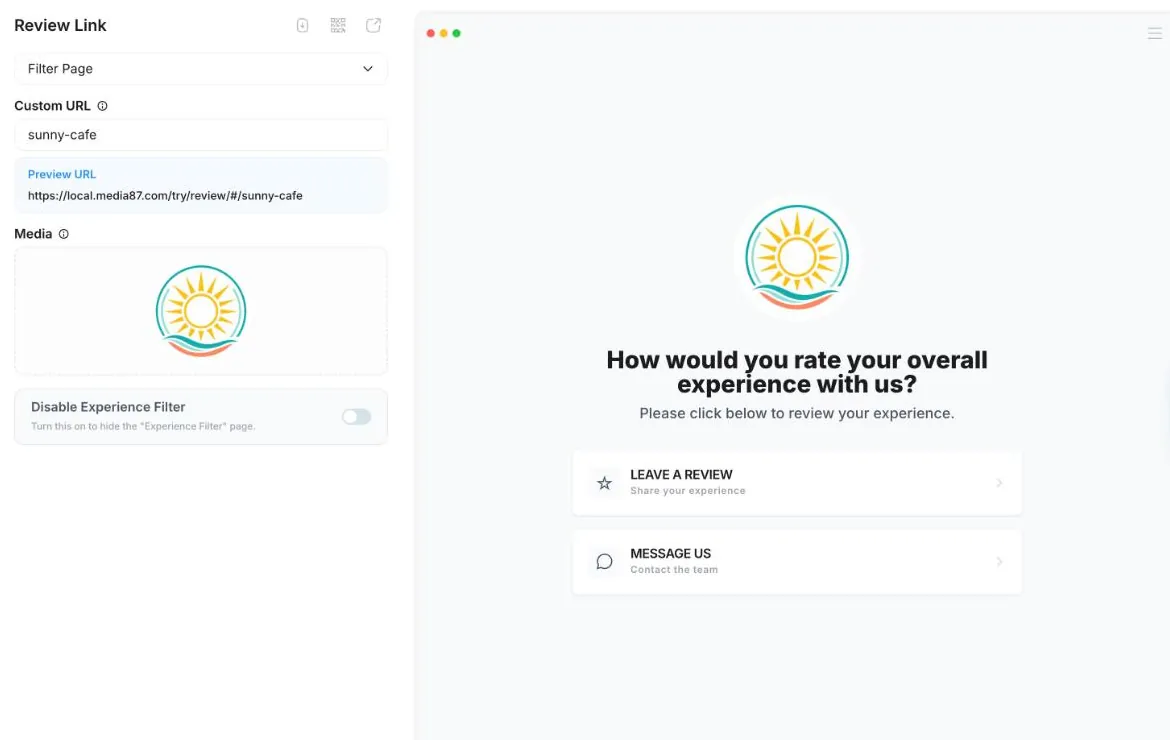
Every request leads to your own review page with a short link and QR code. Every customer can leave a public review. If someone would rather talk to you first, they can message you privately, and you get their details to follow up.
The Analytics screen then shows how many requests were sent, delivered and clicked, and where visits came from: messages, the in-store kiosk, staff links or direct. So you know which habit is working.