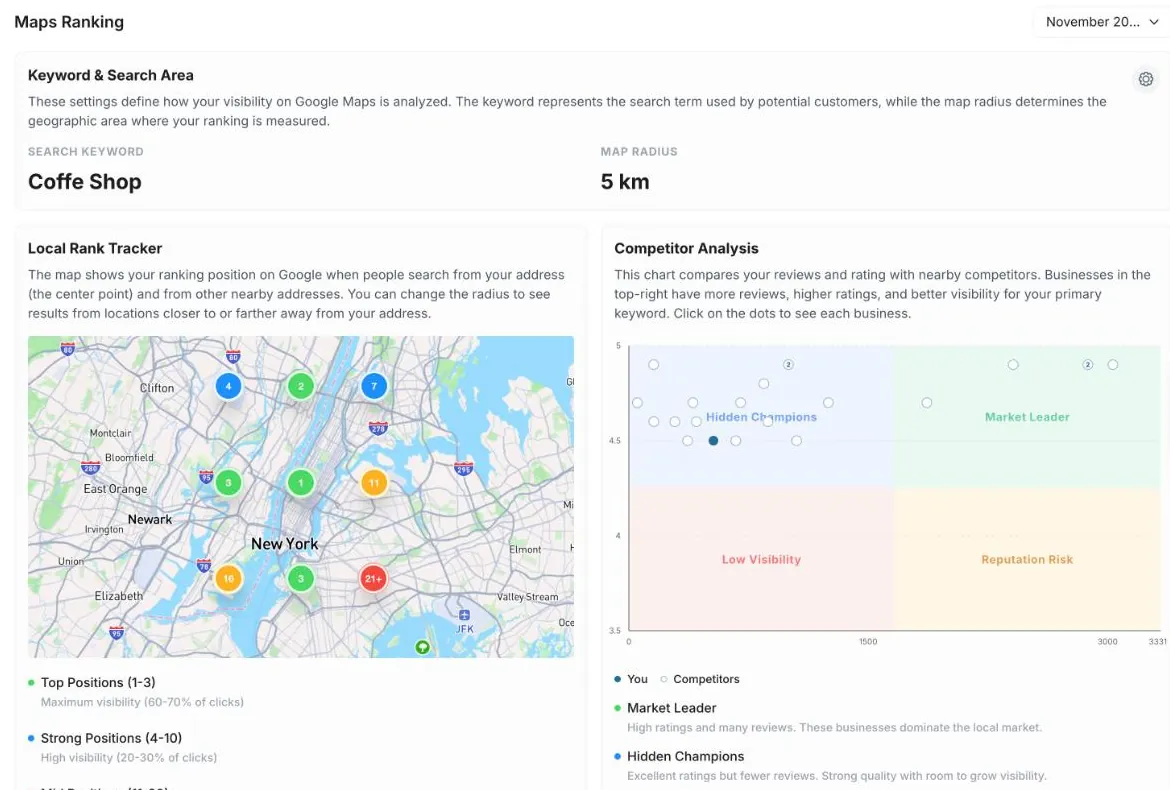
Replying to reviews does two jobs. It thanks the person who wrote it, and it shows everyone else reading your profile that a real person runs this business and cares. Google itself encourages owners to respond. The good news: you do not need to be a writer. You need a simple pattern and the habit of doing it every time.
The 3-part reply that works for almost everything
- Thank them, by name if you have it. "Thanks, Sophie."
- Mention something specific they said. This proves you read it. "Glad the flat white hit the spot."
- Close with a next step. An invitation back, or a way to reach you.
Two or three sentences is plenty. Long replies get skipped.
Examples you can adapt
5 stars, short review
Reply: Thank you so much! Quick and friendly is exactly what we aim for. See you next time.
4 stars with a small complaint
Reply: Thanks for the kind words, and sorry about the wait. We should have messaged you when we were running behind, and we will next time.
1 or 2 stars
Reply: We're sorry, that is not the visit we want anyone to have. Please message us at hello@yourbusiness.com so we can make it right. We've shared this with the team.
Rules for negative reviews
- Stay calm and short. Your reply is for the next hundred readers, not to win the argument.
- Never share personal details such as order numbers, health information or what they paid. Move the conversation to a private channel.
- Don't copy-paste the same apology on every complaint. Readers notice.
- Fix the real problem. If three reviews mention slow service, the reply is not the solution.
- Never offer anything in exchange for changing or removing a review. That breaks Google's rules.
How fast should you reply?
Within a day or two is a good standard. Speed matters most for complaints: a quick, calm reply can stop an unhappy customer from posting the same story somewhere else. Old reviews are worth answering too. Work through them steadily rather than all at once.
How Localena handles this for you
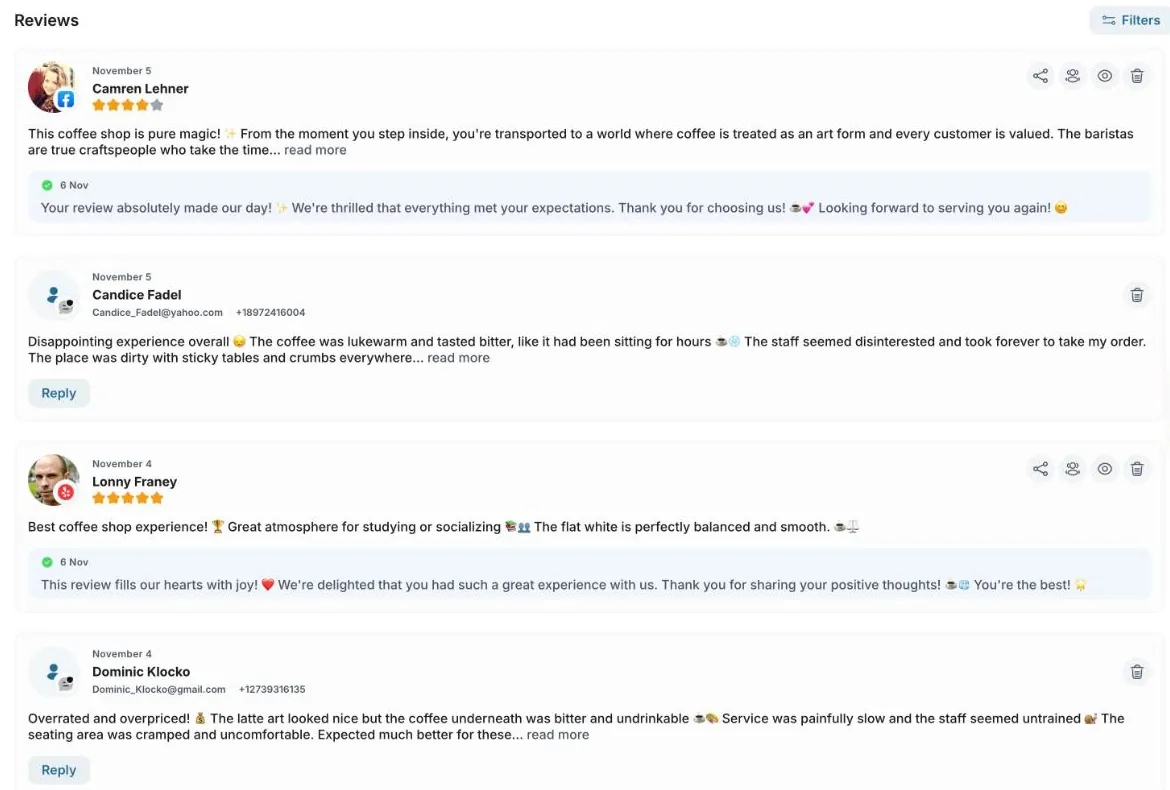
Localena's reply agent reads each new review, your services and your tone rules (friendly or formal, words to use and avoid), then writes a reply following the pattern above. You choose:
- Auto-post: replies go live by themselves.
- Approve first: replies wait for you to check and edit before they go live.
Not sure? Start with approve first for a week. Once the replies sound like you, switch on auto-post.
It can also work through your older unanswered reviews in bulk, at a steady pace.